Scheduled Tasks
Released 2026-05-06
You can now set scheduled tasks for your agents, so they run workflows automatically at fixed times.
For example: every morning at 8 AM, pull the latest news in a field and send a digest to your inbox; every Monday, generate a summary of last week's data; every evening before you log off, organize and archive the day's to-dos. Once set, it runs on schedule — you don't have to trigger it manually.
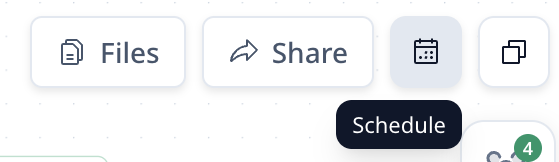
Set it up from the Schedule entry in the top-right of the workflow inside your project.
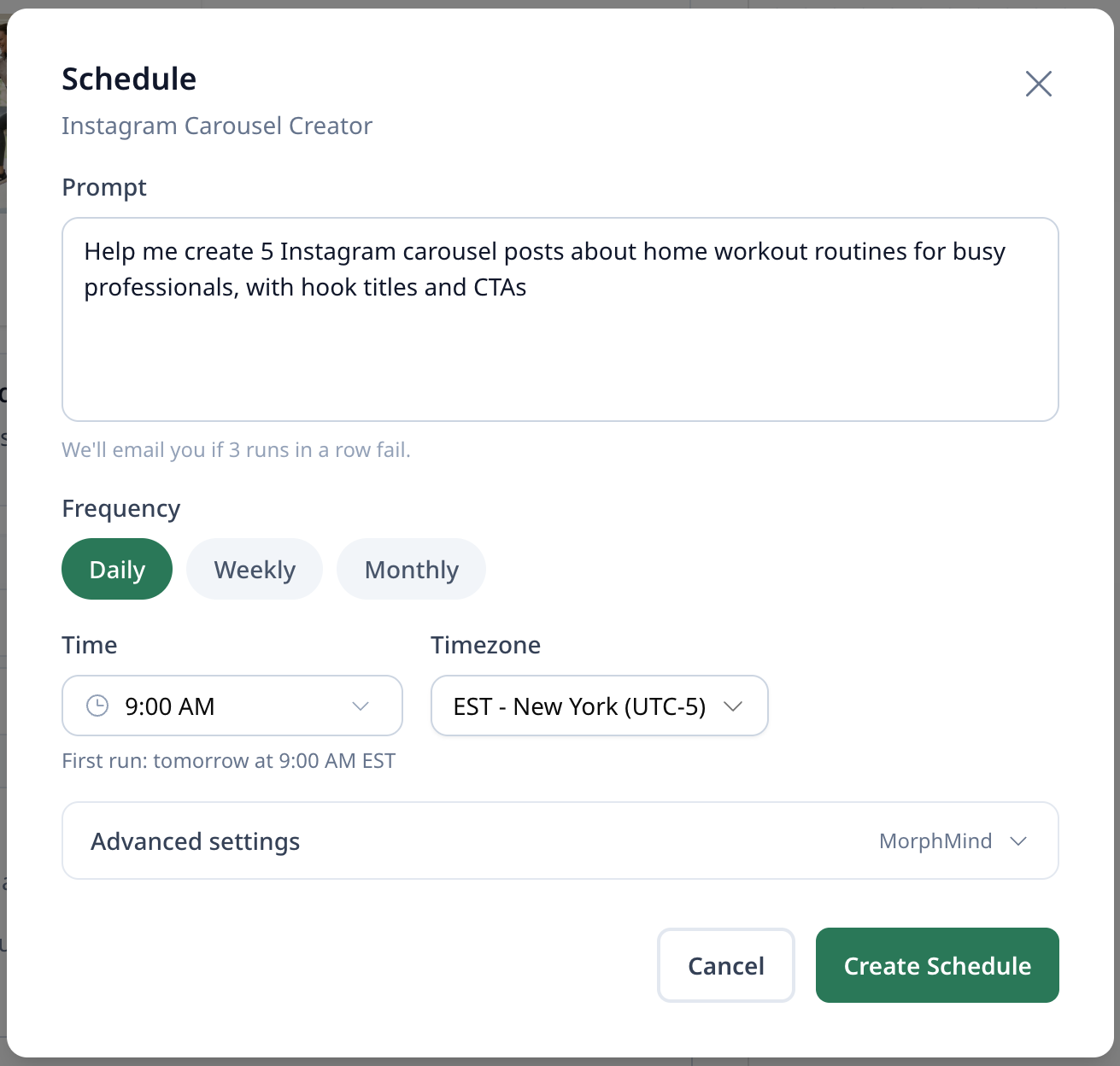
Pick the prompt, frequency (Daily / Weekly / Monthly), time, and timezone — then Create Schedule. Track runs in the Scheduled Tasks view.
The agent has to run through the workflow end-to-end with a visible output before scheduling can be enabled. This is to make sure the automated runs stay accurate.