New Features
Beyond the basics, here's what else you can do.
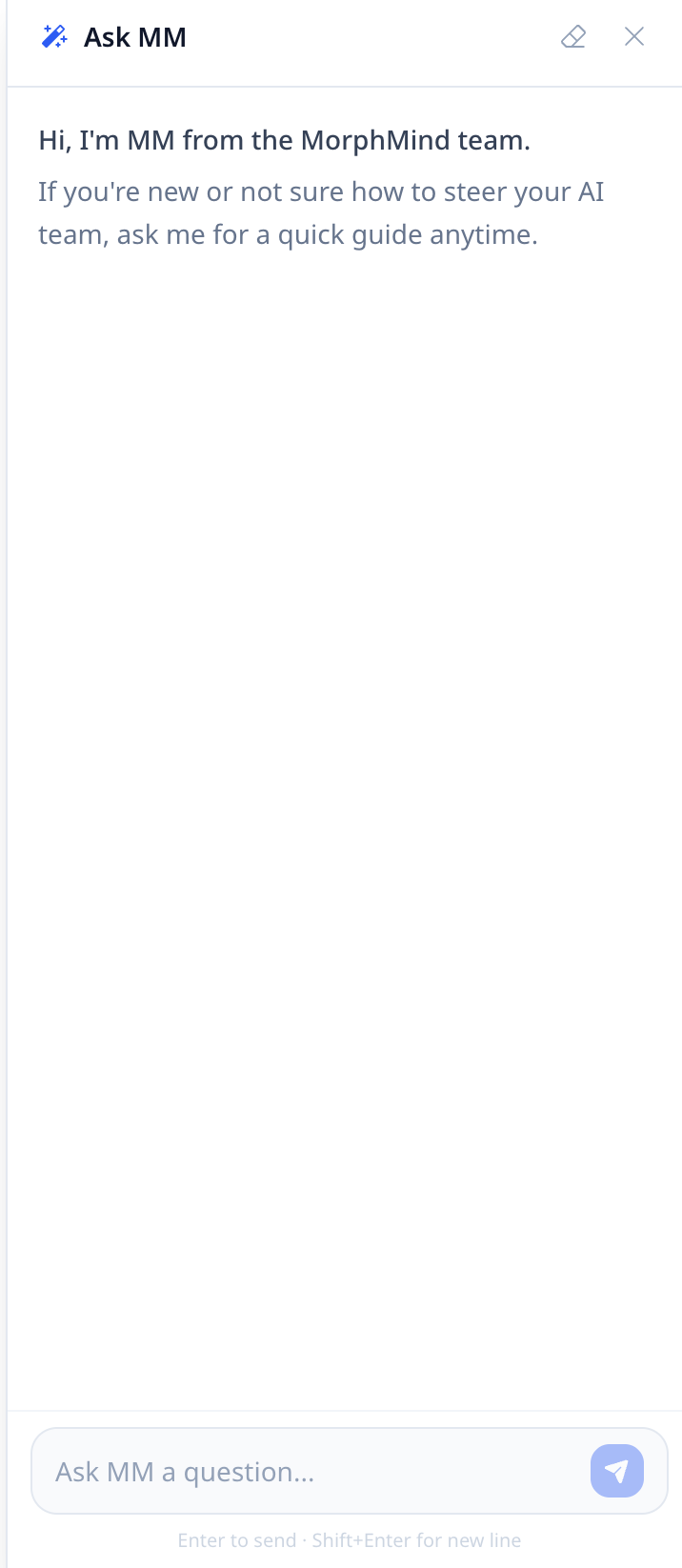
Ask MM
Not sure how to get started or steer your AI team? Ask MM is your built-in guide — available anytime directly in the platform.
Click the Ask MM button in the header to open it.

Not sure how to get started or steer your AI team? Ask MM for a quick guide anytime.
Manage Project Files (Supports Batch Select)
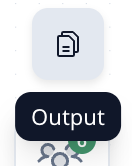
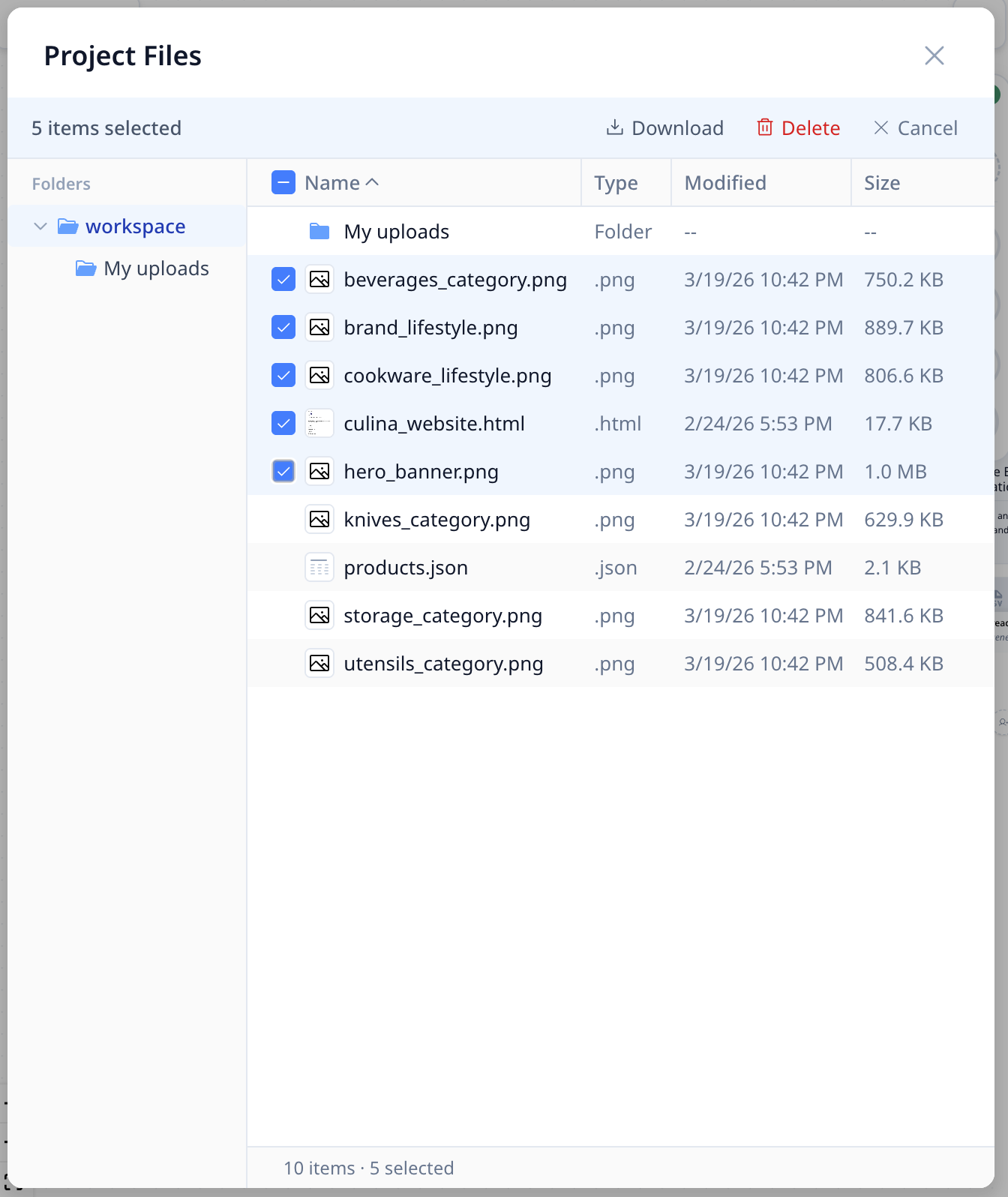
Access files through the file icon in the top bar. The Project Files panel shows all files generated in this project, along with your uploaded files in the My Uploads folder. Supports batch file selection for quick download or deletion.
You can now batch select files to download or delete them all at once — no need to manually handle each file one by one. (Note: The My Uploads folder itself cannot be deleted, but you can delete the files inside it.)
Share or Clone Your Project
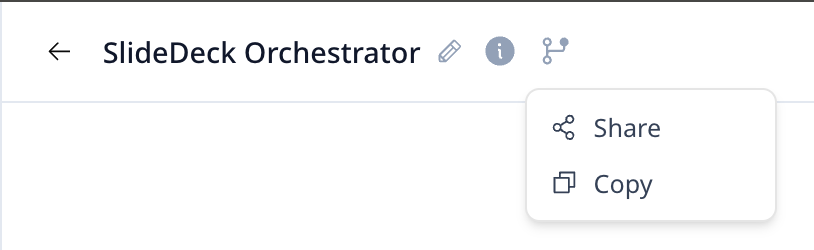
Click Project Actions in the top left next to the project title to:
- Share — Give others access to use your project
- Copy — Duplicate the project for yourself (useful for creating variations)
Feature Requests & Feedback
We ship updates almost every day. If you want a feature or run into an issue:
- Email us: [email protected]
- Track requests in real time: Feature & Issue Tracker
We read everything and address requests as they come in.