More Features
Beyond the basics, here's what else you can do.
Manage Project Files
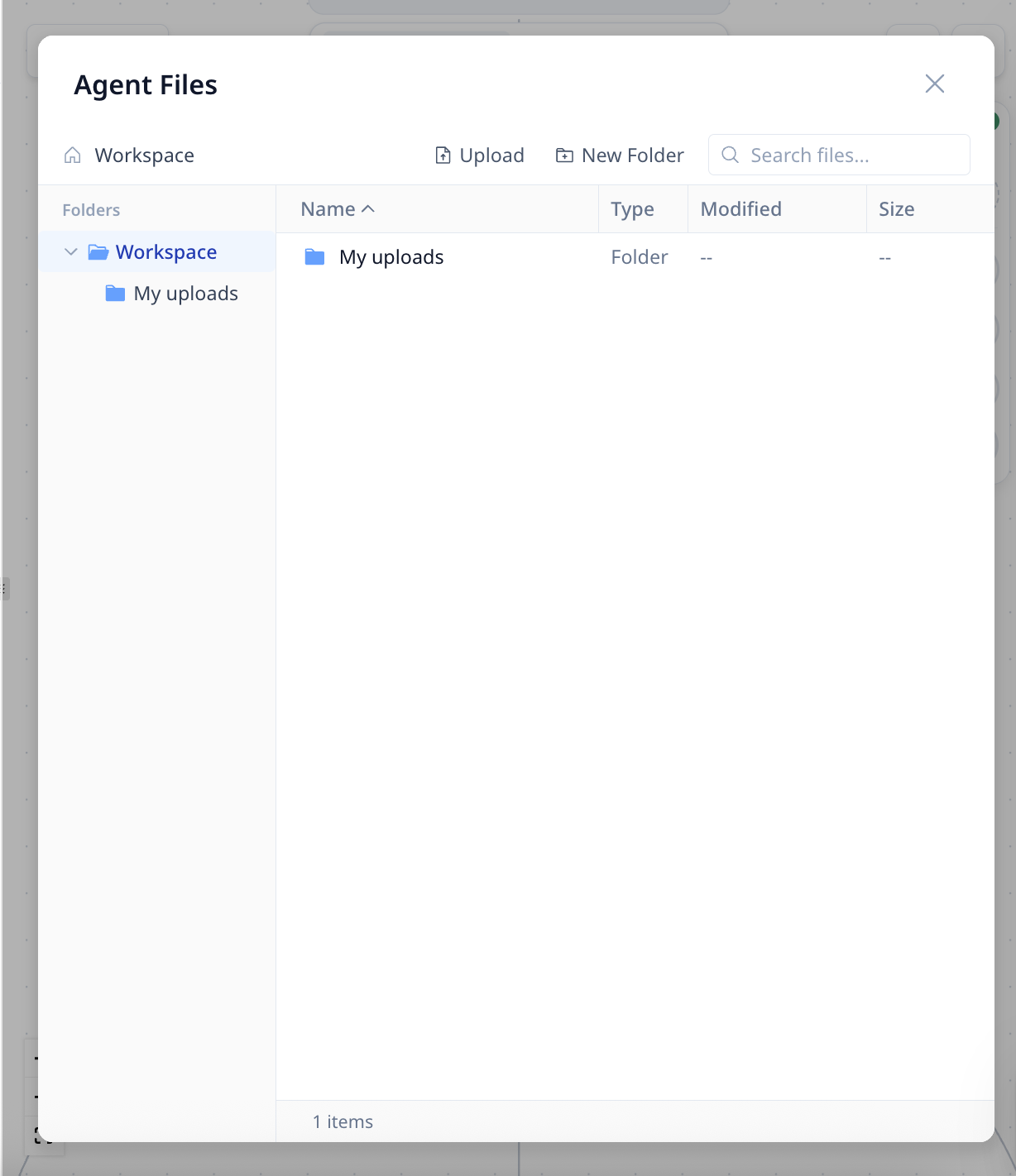
Access files through the file icon in the top bar. The Project Files panel shows:
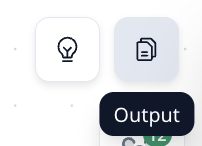
- Generated In Project — Files Created by the Specialists (reports, summaries, exports)
- Uploaded by You — Documents you've uploaded in the project
Download or remove files as needed.
Share or Clone Your Project
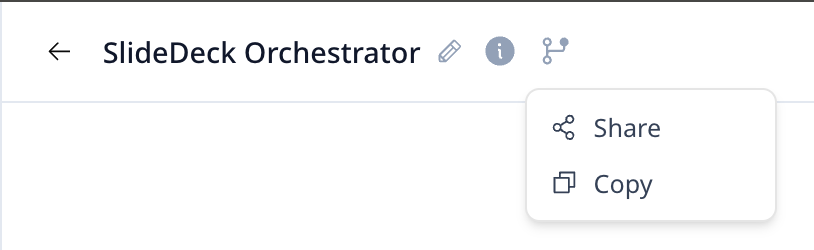
Click Project Actions in the top left next to the project title to:
- Share — Give others access to use your project
- Copy — Duplicate the project for yourself (useful for creating variations)
Feature Requests & Feedback
We ship updates almost every day. If you want a feature or run into an issue:
- Email us: [email protected]
- Track requests in real time: Feature & Issue Tracker
We read everything and address requests as they come in.